$79.00Original price was: $79.00.$67.15Current price is: $67.15. / year
Our official Windcave for WooCommerce plugin provides reliable, modern security and seamless payment processing for your online store. It integrates your WooCommerce site directly with Windcave’s Payment Express Gateway (DPS), ensuring your transactions are handled through a trusted and industry-leading platform.
If you prefer not to manage SSL certificates, credit card security, or the complexities of maintaining compliance yourself, Windcave is an excellent solution. It shifts the responsibility and risk of payment security from your website to Windcave’s fully certified, secure gateway, giving you peace of mind and allowing you to focus on running your business.
Accept Windcave payments without handling card details on your store
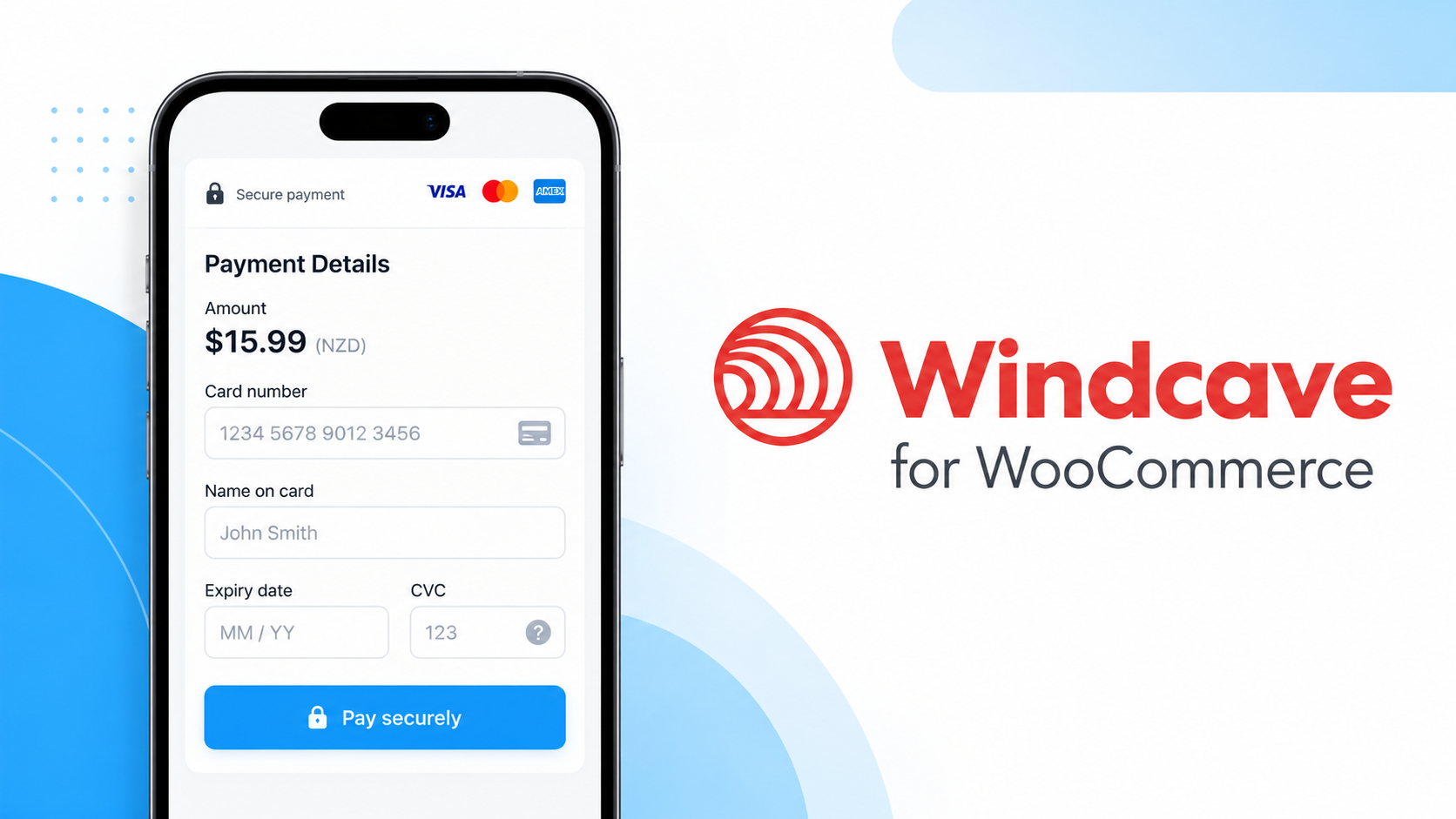
A payment gateway should make checkout easier, not add more security concerns or administrative work. Windcave Gateway for WooCommerce connects your store to Windcave’s hosted PxPay checkout, so customers can enter their payment details on Windcave’s secure payment page and return to your store when the transaction is complete.
Windcave payments for WooCommerce, from checkout to recurring billing
As your store grows, payment processing involves more than accepting a card at checkout. You need a dependable way to manage orders, recurring payments, refunds, and the occasional failed transaction without adding unnecessary work for your team.
Windcave Gateway for WooCommerce connects your store to Windcave’s hosted PxPay checkout and PxPost payment services. Accept one-time payments, manage eligible subscription renewals, and handle common post-payment tasks from your WooCommerce order workflow.
Windcave-hosted checkout: Send customers to the secure PxPay payment page to enter their card details for standard purchases.
Recurring subscription payments: Use Windcave billing tokens and PxPost to process eligible WooCommerce Subscriptions renewals.
Simple and variable subscriptions: Request and save Windcave billing tokens for eligible simple and variable subscription checkouts.
Order-level payment management: Process supported refunds and complete eligible authorization transactions from WooCommerce.
Better renewal visibility: Review payment results, transaction references, and order notes when follow-up is needed.
Modern WooCommerce compatibility: Work with Cart and Checkout blocks, traditional checkout, and High-Performance Order Storage (HPOS).
Offer customers a straightforward, Windcave-hosted checkout
At standard checkout, shoppers choose Windcave as their payment method and are directed to Windcave’s PxPay-hosted payment page. After they complete or cancel the transaction, they return to your WooCommerce store through the configured payment return flow.
Because card entry for standard checkout takes place on Windcave’s hosted page, you can limit the card data handled directly by that part of your website. Your business is still responsible for applicable security and PCI DSS requirements.
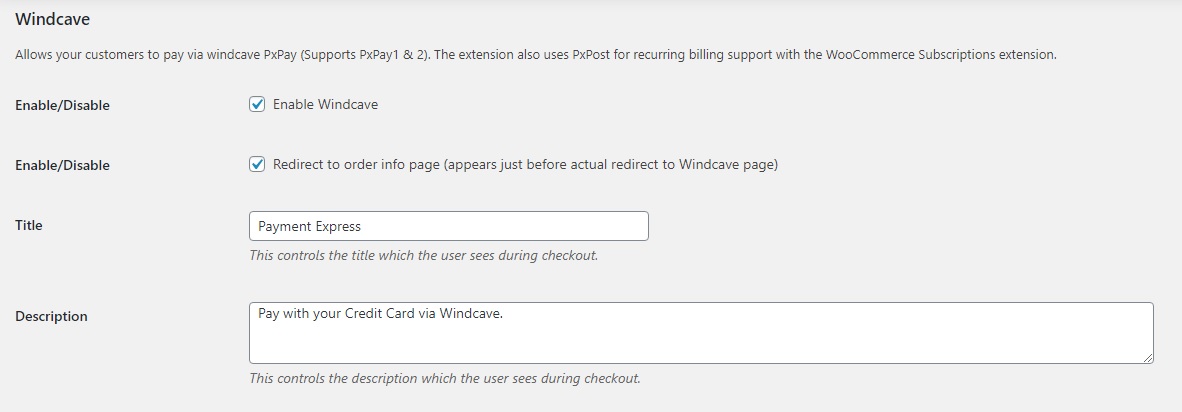
Customize the checkout presentation: Set the payment method title, description, and icon.
Optionally show order details first: Display an order information page before the customer continues to Windcave.
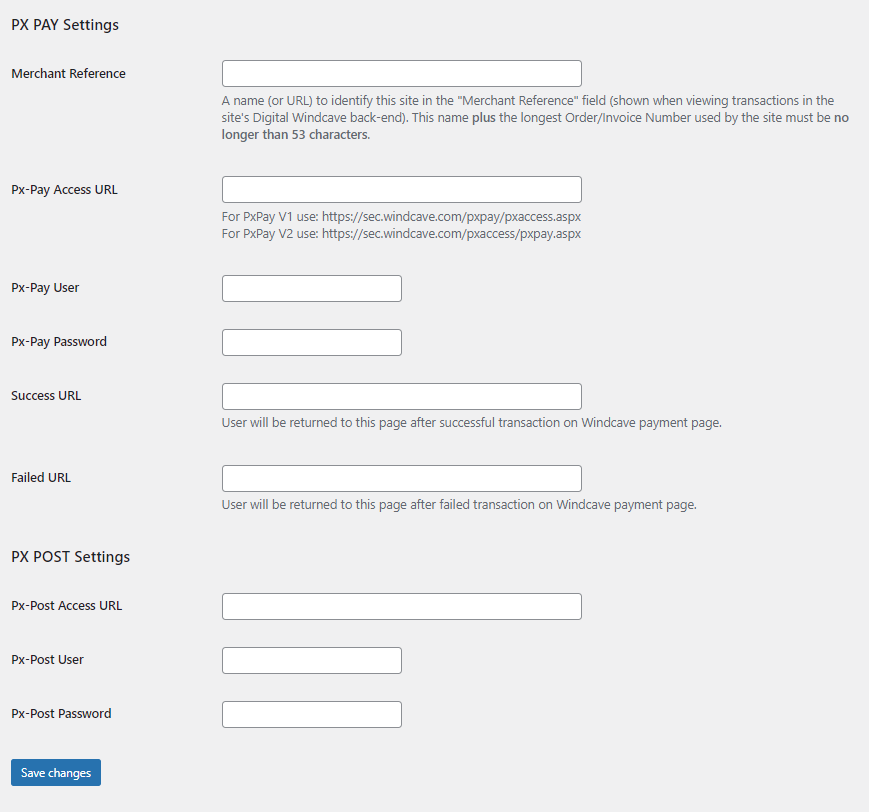
Control the return journey: Configure successful and failed payment return URLs.
Connect payments with orders: Record Windcave transaction information in WooCommerce for order management and follow-up.
Keep card entry on Windcave’s hosted checkout page. Standard PxPay purchases redirect customers to Windcave to enter their card details, rather than collecting those details in your store’s checkout form. This can help reduce PCI DSS scope for that checkout flow, depending on your implementation.
Payment management for growing and established stores
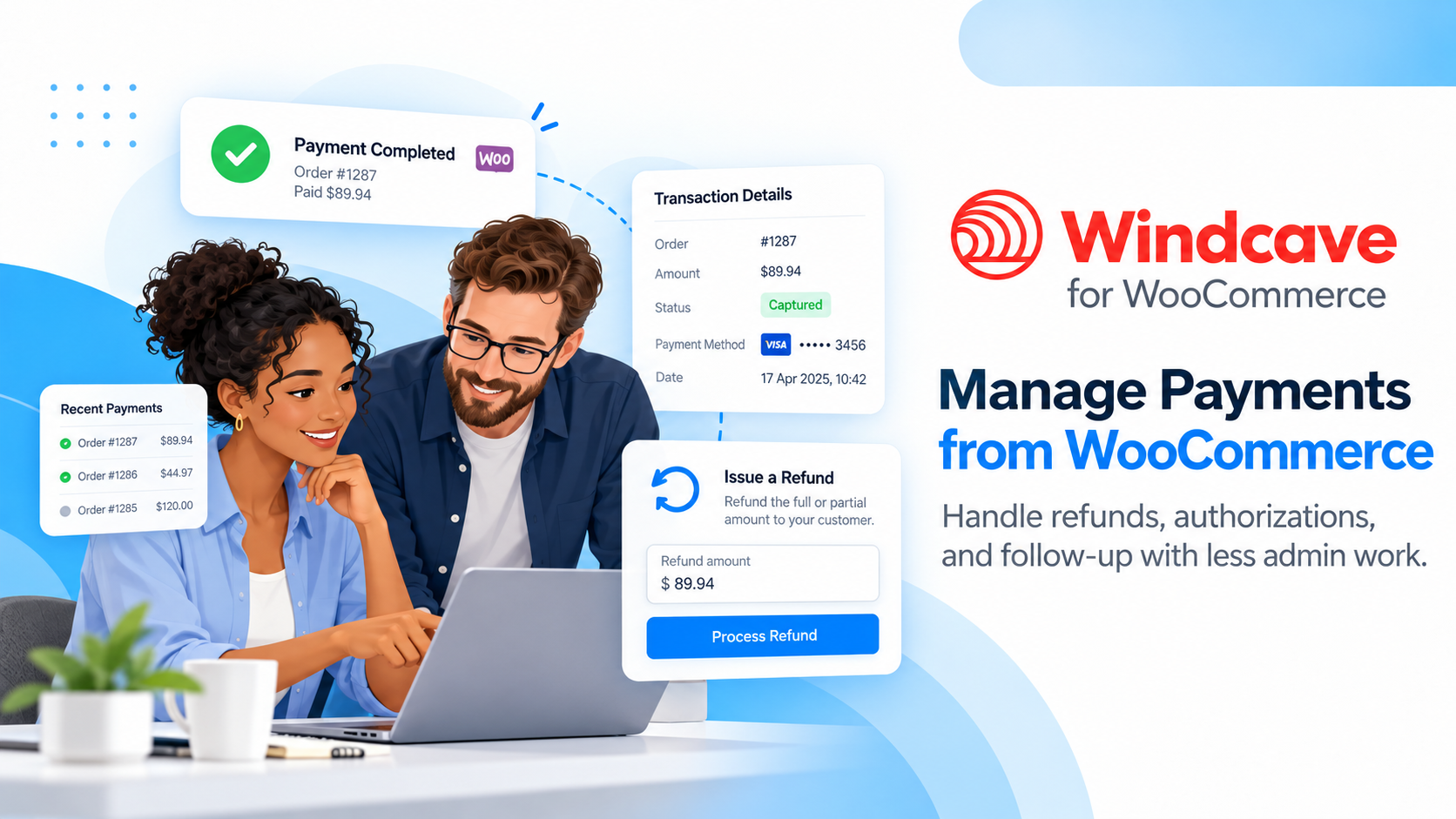
As order volume grows, teams need clear payment records and practical ways to respond to customer requests. Windcave transaction details, WooCommerce refunds, and authorization controls help your team handle day-to-day payment work from familiar order screens.
Manage everyday payment tasks from WooCommerce
Full and partial refunds: Submit supported refund requests to Windcave directly from the WooCommerce order.
Authorization and completion: Authorize a payment first, then complete an eligible transaction when you are ready to collect the funds.
Transaction references: Retain Windcave references and transaction types with the order for more consistent reconciliation.
Useful order information: Review payment results and renewal notes in the same system your team uses to manage customers and purchases.
Configurable troubleshooting: Use available diagnostic logging when investigating payment or setup problems.
Handling more orders or a longer fulfillment process? You do not always need to collect payment the moment an order is placed. Windcave’s authorization option lets you reserve funds for an eligible transaction and complete it from WooCommerce when your team is ready. Authorization availability and time limits depend on Windcave and the card issuer.
Support subscription businesses without manually collecting every renewal
Subscriptions introduce their own payment challenges: expired or replaced cards, scheduled billing, multiple active subscriptions, and orders that need another payment attempt. Windcave Gateway for WooCommerce works with WooCommerce Subscriptions to support recurring payments using stored Windcave billing tokens.
Recurring payments for simple and variable subscriptions
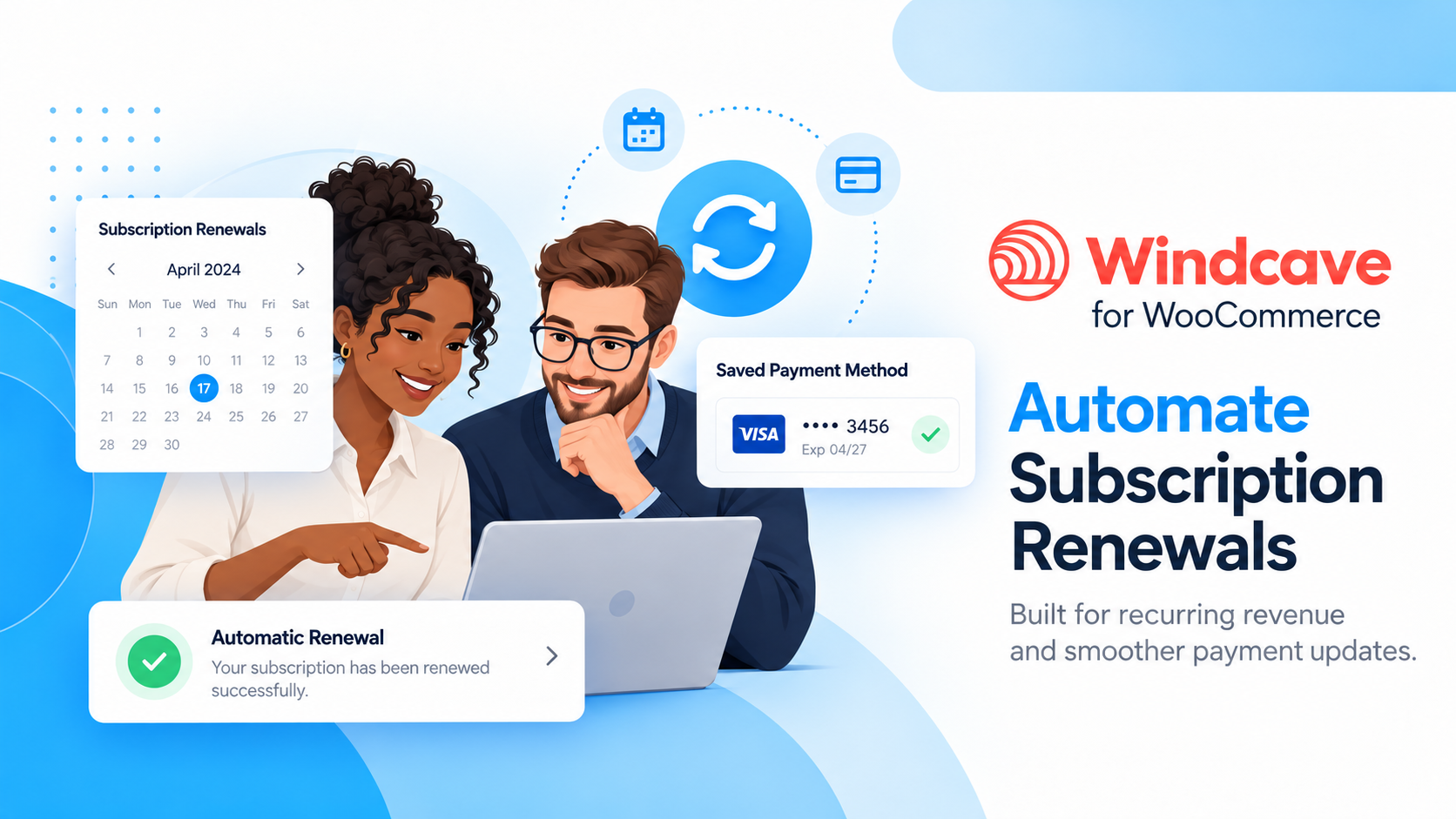
When a customer completes an eligible subscription checkout, the extension asks Windcave to store a billing token for future recurring charges. Subsequent scheduled renewals are processed through PxPost using the saved token, rather than asking the customer to enter their card details for every billing period.
The extension supports token requests for eligible simple and variable subscription products. When Windcave returns a usable billing token, the extension saves it for subsequent renewals. Token availability depends on the payment response and merchant account configuration.
Scheduled renewals: Process eligible recurring charges automatically using a stored Windcave billing token.
Subscription variations: Request card tokenization when a customer purchases an eligible variable subscription.
Multiple subscriptions: Support the WooCommerce Subscriptions workflows for customers with more than one subscription.
Subscription changes: Support cancellation, suspension, reactivation, and changes to subscription amounts and dates through WooCommerce Subscriptions.
Payment method updates: Allow customers and administrators to change the payment details used for future renewals.
Different subscription plans or pricing options? Use Windcave billing tokens for eligible simple and variable subscriptions, with payment-method updates to support future renewals when a customer changes their card.
Give customers a way to update their payment details
When a card expires, is replaced, or needs updating, the subscription payment method can be changed through the WooCommerce subscription workflow. The extension uses PxPost to validate and store the updated billing token for future payments, reducing the need for manual follow-up once a valid replacement payment method is in place.
Keep renewal problems easier to identify and resolve
When your store has many active subscribers, even a small number of payment exceptions can create unnecessary support work. Renewal safeguards and detailed order notes help your team identify problems and take the next action.
Check before charging again: Skip a scheduled renewal attempt when the WooCommerce renewal order is already marked paid, helping prevent duplicate charges from later retries or repeated scheduler runs.
Handle missing tokens clearly: Do not submit an automatic renewal without a usable stored billing token; record a clear order note instead.
Use the correct stored-card reference: Use the billing identifiers returned by Windcave when processing eligible recurring charges.
See more useful decline details: Review available Windcave response codes and payment information in order notes and logs when investigating failed renewals.
Preserve transaction details: Record references and transaction types on approved payments, even when no billing token was created.
What if a subscription has no saved billing token? Windcave cannot create a token retrospectively from an earlier payment reference. The customer will need to provide payment details again to establish a token for future renewals.
Compatible with the WooCommerce experience you use
Whether your store uses a traditional checkout or WooCommerce Cart and Checkout blocks, the extension connects Windcave payments to the order workflow you already know. It also supports High-Performance Order Storage (HPOS) and includes credential validation notices to help identify incorrect PxPay or PxPost settings.
What you need to get started
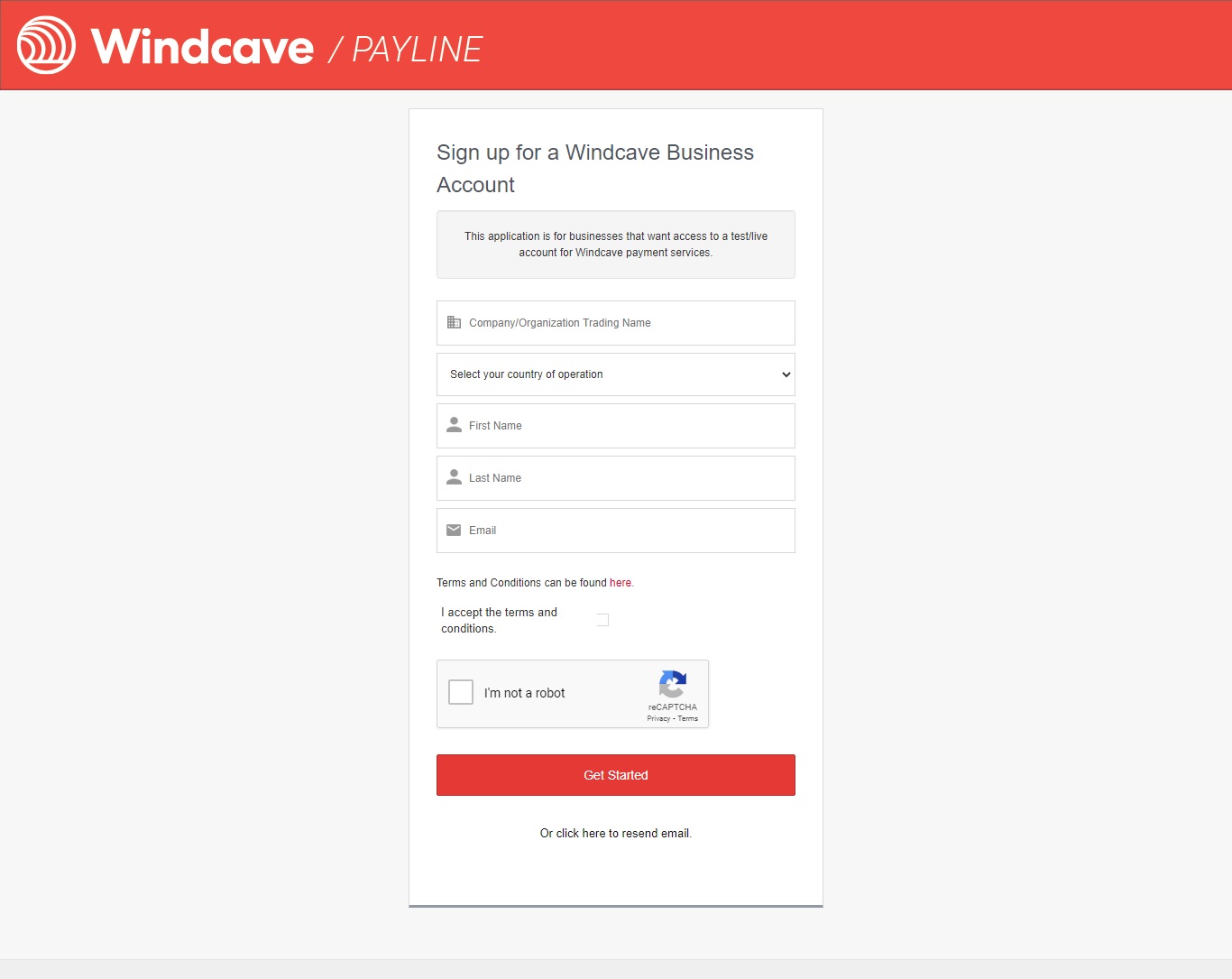
Windcave merchant account: An active account with the payment services you plan to use.
PxPay credentials: Required for Windcave-hosted standard checkout.
PxPost credentials: Required for eligible subscription renewals, refunds, payment-method updates, and authorization completion.
WooCommerce Subscriptions: Required to use the recurring subscription workflows described above.
HTTPS and appropriate PCI DSS controls: Standard checkout is hosted by Windcave, but subscription payment-method changes use a separate on-site card-entry form submitted to Windcave through PxPost. Assess your obligations for both workflows.
After installing the extension, enter your Windcave credentials under WooCommerce > Settings > Payments, configure the checkout options, and test successful, failed, and (if applicable) subscription payment scenarios before accepting live payments.
Why choose OPMC?
OPMC has developed WooCommerce extensions since 2014, helping merchants connect everyday business systems and workflows to their online stores. Windcave Gateway for WooCommerce combines hosted checkout with practical order and subscription payment management, backed by extension updates and OPMC customer support.
Ready to connect Windcave to WooCommerce? See the Windcave setup documentation for configuration and testing guidance.
If after you attempted to resolve issues with Support staff and feel the product(s) you purchased does/do not the best fit your requirements, we want to make things right.
Our policy offers a full refund within 30 days of your date of purchase. We’d love to know what went wrong and how we can improve, so please include details about the reason for your refund request if you reach out to us directly.
Woocommerce.opmc.com.au and our payment process submit the refund immediately and make every attempt to process the refund as quickly as possible. Your financial institution can take up to 20 days for the refund to reflect in your bank account/card.
Windcave (formerly Payment Express) is a certified Visa and MasterCard solution that facilitates electronic payments from multiple access points for your WooCommerce store.
When finished, go back to WooCommerce > Checkout > Payment Express and re-input your live account info from step 6 in Setup and Configuration.
FAQs
Encountering an error while attempting to create a refund using the payment gateway API?
In such case, Goto WooCommerce > Settings > Payments and enter valid PxPost credentials in addition to PxPay under PxPost Settings head and save changes. You will need to arrange PxPost credentials with Windcave. (These are different to your PxPay credentials). Once configured, you will be able to successfully execute refund process via Windcave.
By purchasing this product, you will be able to gain access to a downloadable .zip file. This file can be installed on WordPress, enabling PxPay on your WordPress website.
When you purchase this plugin, you are assigned an account and license key. This gives you access to one year of premium support and updates.
Basic Setup:
Purchase the PxPay WordPress plugin to get started.
Download the .zip file to your device.
On your website, go to: WordPress Admin > Plugins > Add New to upload the file you downloaded with Choose File.
Activate the plugin in Plugins > Installed Plugins.





Reviews
There are no reviews yet.